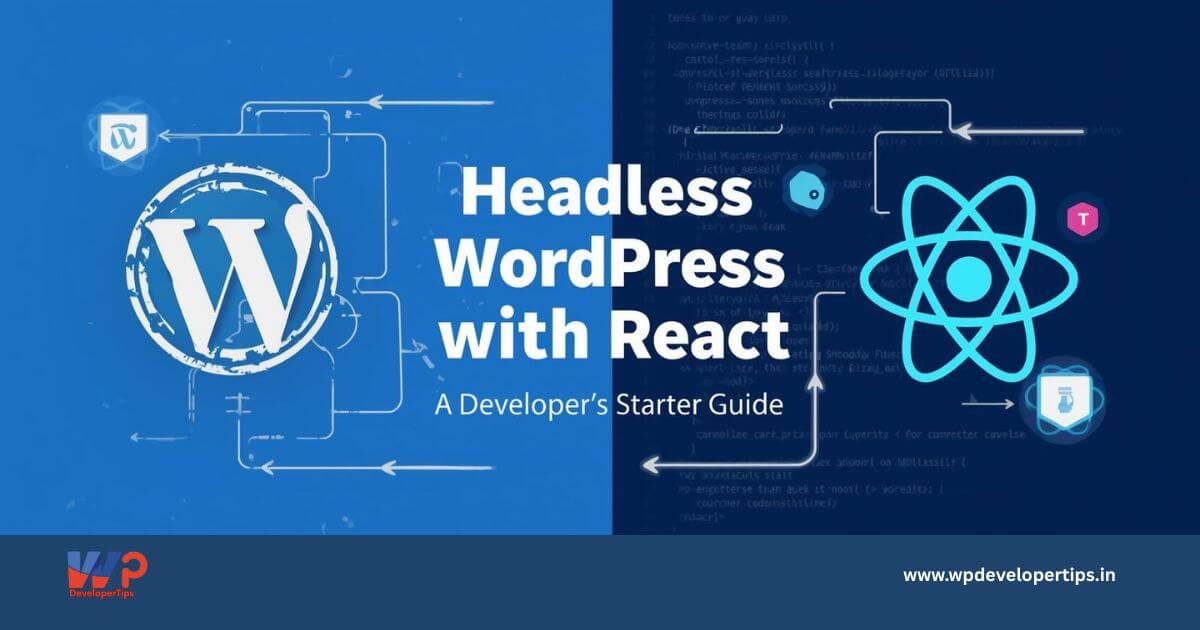
Traditional WordPress is great—but what if you could keep the powerful backend of WordPress while building a blazing-fast, modern frontend using React? That’s where Headless WordPress comes into play.
In this guide, you’ll learn what Headless WordPress is, why developers are using it with React, and how to set up your own Headless WordPress + React project.
What is Headless WordPress?
In a typical WordPress site, both the backend (admin panel) and frontend (theme rendering) are tightly coupled. In Headless WordPress, only the backend is used for content creation and storage. The frontend is completely decoupled and built using JavaScript frameworks like React, Next.js, or Vue.
Data is exchanged between WordPress and the frontend using the REST API or GraphQL (via WPGraphQL plugin).
Why Use React with WordPress?
- Better Performance: React apps can be faster and more responsive than traditional WP themes.
- Modern UI/UX: React offers greater flexibility for interactive UIs.
- Separation of Concerns: Frontend and backend are fully decoupled, allowing teams to work independently.
- Scalability: Easier to integrate with mobile apps, SPAs, and other platforms
Tools You’ll Need
- A WordPress installation (local or hosted)
- A React development setup (Vite, CRA, or Next.js)
- Access to the WordPress REST API or GraphQL
- Optional: WPGraphQL plugin (if using GraphQL)
- CORS configuration (for local dev)
Getting Started: Step-by-Step
Step 1: Set Up WordPress as a Backend
You can use any standard WP setup. Just make sure the REST API is enabled (it is by default).
To access posts:
https://your-domain.com/wp-json/wp/v2/postsIf using GraphQL, install the WPGraphQL plugin.
Step 2: Create Your React App
Use your preferred setup:
npx create-react-app headless-wp
cd headless-wp
npm start
Or for Next.js:
npx create-next-app headless-wp
cd headless-wp
npm run dev
Step 3: Fetch Data from WordPress REST API
Here’s a basic example using fetch:
import React, { useEffect, useState } from 'react';

function App() {
  const [posts, setPosts] = useState([]);

  useEffect(() => {
    fetch('https://your-domain.com/wp-json/wp/v2/posts')
      .then(res => res.json())
      .then(data => setPosts(data));
  }, []);

  return (
    <div>
      <h1>Blog Posts</h1>
      {posts.map(post => (
        <div key={post.id}>
          <h2 dangerouslySetInnerHTML={{ __html: post.title.rendered }} />
          <div dangerouslySetInnerHTML={{ __html: post.excerpt.rendered }} />
        </div>
      ))}
    </div>
  );
}

export default App;
Note: Use dangerouslySetInnerHTML carefully. Sanitize content when needed.
Step 4: Handle Routing (Optional)
If you’re using React Router or Next.js, configure dynamic routes for single posts using slugs or IDs.
Step 5: Add CORS Support in WordPress
To allow your React app to access WP data, you may need to modify the .htaccess or server config:
Header set Access-Control-Allow-Origin "*"Or add headers via a plugin or functions.php.
Real-World Use Cases
- JAMstack Blogs using Next.js and WordPress
- eCommerce Sites with WooCommerce as backend + React storefront
- Marketing Sites with a WP-powered CMS + React frontend
- Mobile Apps consuming WordPress content via API
Pro Tips
- Use Axios or SWR for better data fetching and caching.
- Use JWT Authentication or Application Passwords for protected routes.
- Secure your API endpoints using nonces or authentication tokens.
- Try Next.js for SSR and static generation with Headless WP.
Final Thoughts
Headless WordPress + React gives you the best of both worlds—WordPress’s familiar content management and React’s dynamic UI power. While the learning curve is slightly steeper, the performance and flexibility gains are well worth it.
Once you’re comfortable with the basics, you can explore deeper integrations with Next.js, GraphQL, custom post types, and server-side rendering.