
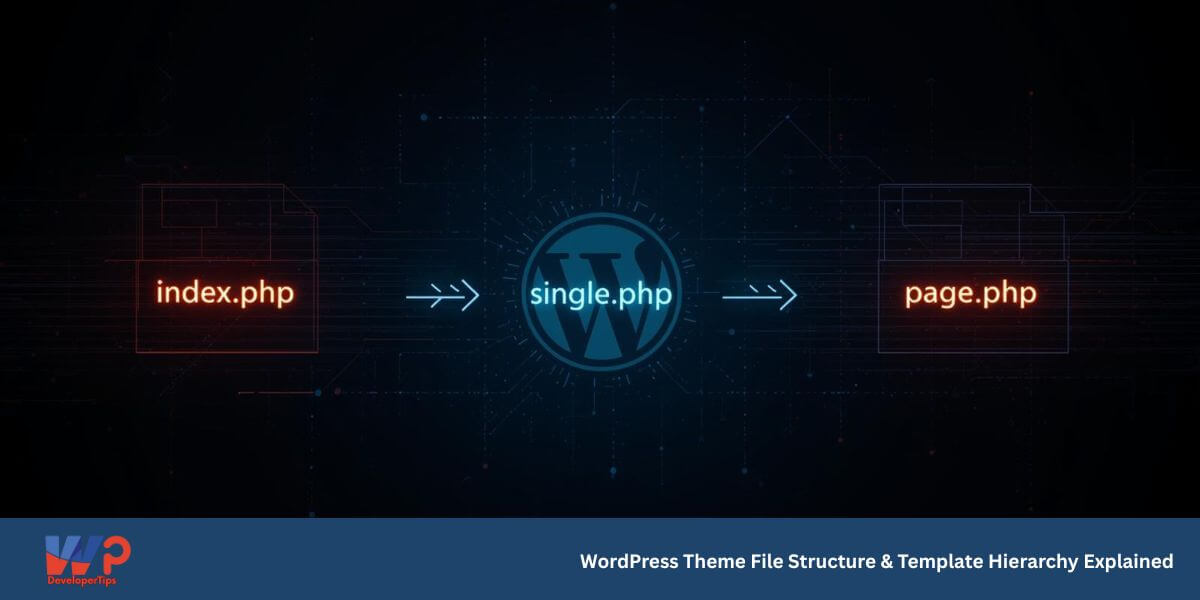
WordPress Theme File Structure & Template Hierarchy Explained
Episode 2 – WordPress Theme Development Series
In the previous episode, we created our first basic WordPress theme using style.css and index.php.
Now it’s time to understand how WordPress actually decides which file to load
when someone visits your website.
WordPress follows a strict template hierarchy to determine
which theme file should display a page.
Basic WordPress Theme File Structure
A professional WordPress theme usually contains the following files:
wpdev-starter/
│
├── style.css
├── index.php
├── functions.php
├── header.php
├── footer.php
├── sidebar.php
├── single.php
├── page.php
├── archive.php
├── 404.php
└── screenshot.png
Understanding Important Theme Files
style.css
Contains theme metadata and main styling.
index.php
The fallback template file. If WordPress cannot find a specific template, it loads index.php.
functions.php
Acts like the control center of your theme. Used to enqueue styles, register menus, enable theme features, etc.
single.php
Used to display individual blog posts.
page.php
Used to display static pages like About or Contact.
archive.php
Used for category, tag, and date archive listings.
404.php
Displayed when a page is not found.
What is Template Hierarchy?
Template hierarchy is the order in which WordPress searches for template files.
For example, when opening a single blog post, WordPress checks:
single-{posttype}.php
single.php
index.php
It loads the first file that exists.
Template Hierarchy Example Table
| Page Type | Primary Template | Fallback |
|---|---|---|
| Single Post | single.php | index.php |
| Static Page | page.php | index.php |
| Category Archive | archive.php | index.php |
| 404 Error | 404.php | index.php |
Why Template Hierarchy is Important
- Allows precise control over layout
- Helps create custom designs for different sections
- Makes themes scalable and professional
- Prevents code duplication
What’s Coming Next?
In Episode 3, we will build a structured theme with header.php, footer.php, and The WordPress Loop.
