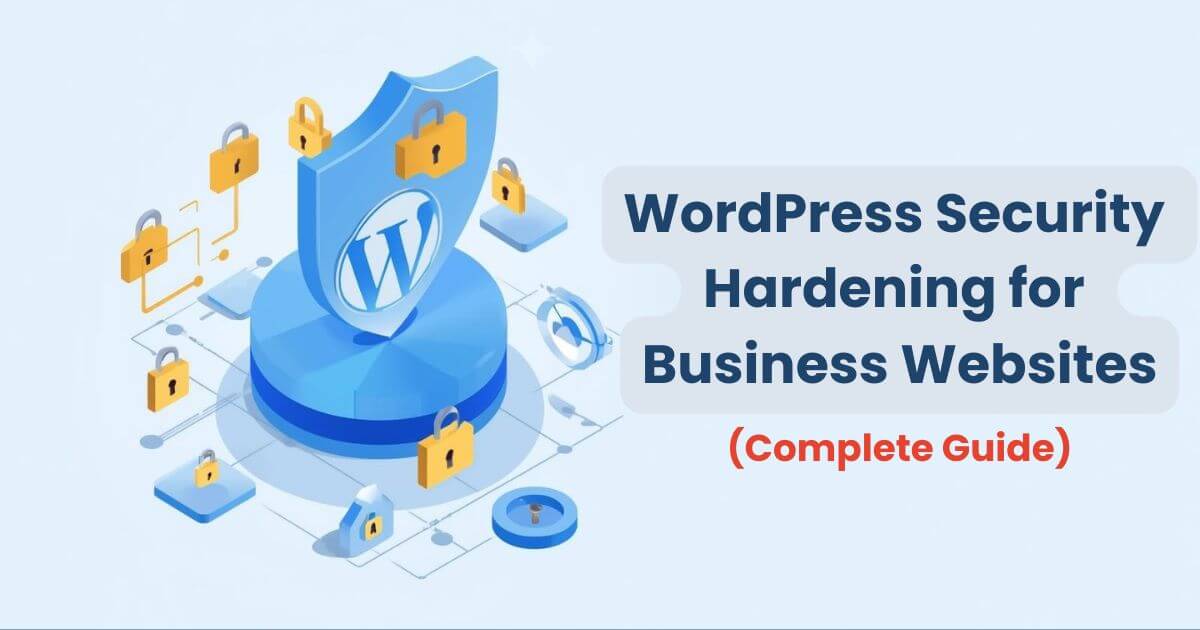
For business websites, WordPress security is not optional. A single hack can lead to data loss, SEO penalties, revenue loss, and reputation damage. Unfortunately, many WordPress sites rely only on basic plugins and remain dangerously exposed.
This guide explains WordPress security hardening for business websites — a layered, professional approach to securing WordPress against hacks, malware, and data breaches.
What Is WordPress Security Hardening?
Security hardening means strengthening WordPress at multiple levels to reduce vulnerabilities and limit damage if an attack occurs.
- Core WordPress protection
- Server and hosting security
- Login and user access control
- Firewall and malware protection
- Backup and recovery readiness
For business websites, security hardening is about prevention, detection, and rapid recovery.
Why Business Websites Need Advanced Security
- Targeted attacks for customer data
- SEO spam injections and redirects
- Ransomware and malware infections
- Downtime leading to revenue loss
- Legal and compliance risks
Basic security plugins alone are not enough for business-critical WordPress sites.
Layer 1: Keep WordPress Core, Themes & Plugins Updated
Outdated software is the #1 cause of WordPress hacks.
- Enable automatic WordPress core updates
- Update plugins and themes regularly
- Remove unused and abandoned plugins
- Avoid nulled or pirated themes
Layer 2: Secure WordPress Login & User Access
Best Practices
- Use strong, unique passwords
- Enable Two-Factor Authentication (2FA)
- Limit login attempts
- Change default admin username
- Restrict admin access by IP (if possible)
For business websites, only trusted users should have administrator access.
Layer 3: Use a Web Application Firewall (WAF)
A Web Application Firewall blocks malicious traffic before it reaches your WordPress site.
What a WAF Protects Against
- Brute force attacks
- SQL injection
- Cross-site scripting (XSS)
- Bot traffic and DDoS attacks
A firewall is your first and most important line of defense.
Layer 4: Malware Scanning & File Integrity Monitoring
Malware can hide silently inside WordPress files and damage SEO and data integrity.
- Daily malware scanning
- File integrity monitoring
- Immediate alerts for suspicious changes
- One-click malware cleanup
Business websites should always use automated malware detection.
Layer 5: Secure Hosting & Server Configuration
Your hosting environment plays a major role in WordPress security.
- Choose a secure, reputable hosting provider
- Enable HTTPS with SSL (TLS)
- Use isolated accounts (no shared users)
- Disable directory listing
- Set correct file and folder permissions
Layer 6: Database & Configuration File Protection
- Change default database table prefix
- Secure
wp-config.phpfile - Disable PHP execution in uploads folder
- Restrict database user privileges
define('DISALLOW_FILE_EDIT', true);
define('WP_AUTO_UPDATE_CORE', true);
Layer 7: Backup & Disaster Recovery Strategy
Backups are your last line of defense.
Business Backup Checklist
- Daily automated backups
- Off-site backup storage
- One-click restore capability
- Regular backup testing
If you don’t have tested backups, you don’t have security.
Security Plugins vs Security Hardening
| Aspect | Security Plugins | Security Hardening | Business Impact | Risk Reduction | Scalability |
|---|---|---|---|---|---|
| Scope | Limited | Comprehensive | High | Strong | Excellent |
| Protection Level | Basic | Advanced | Critical | Very High | Enterprise-ready |
Final Security Hardening Checklist
- WordPress core, themes, plugins updated
- Strong login security with 2FA
- Web Application Firewall enabled
- Malware scanning and monitoring
- Secure hosting and SSL
- Database and config file protection
- Automated backups with restore testing
Conclusion
WordPress security hardening for business websites requires a layered, proactive approach. Relying on a single plugin or basic settings is not enough in today’s threat landscape.
By implementing proper hardening techniques, you protect your data, preserve SEO rankings, and ensure uninterrupted business operations.