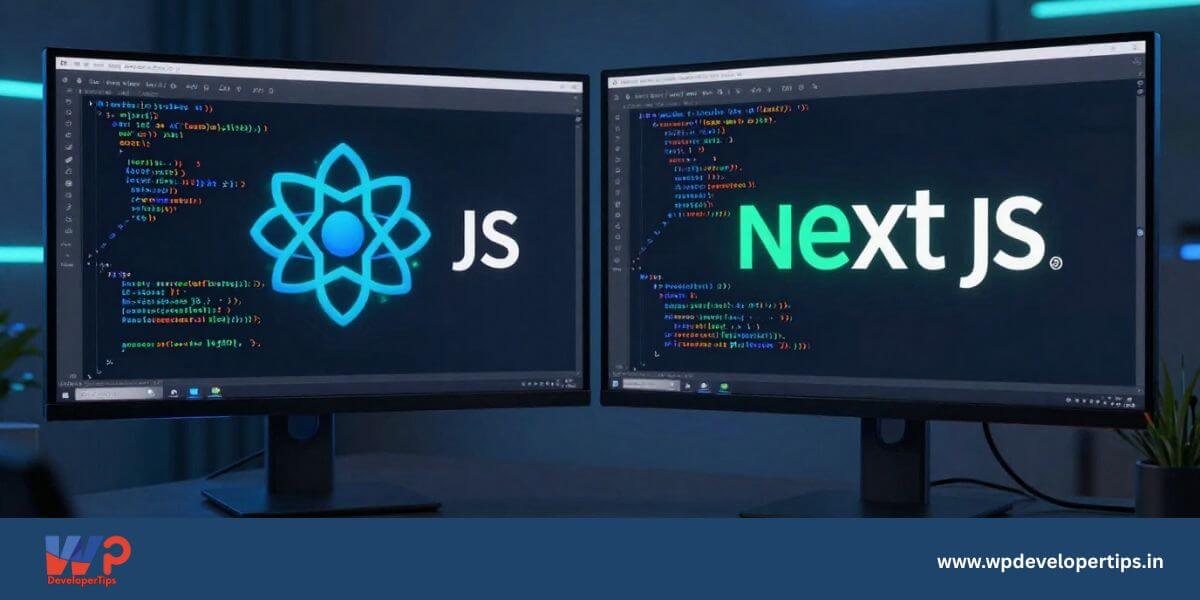
React JS and Next JS are two of the most popular technologies in modern frontend development. But if you’re a WordPress developer planning to move into headless architecture or modern JavaScript stacks, understanding the difference between React JS and Next JS is crucial.
In this detailed guide, we’ll compare React JS vs Next JS from a WordPress developer’s perspective — performance, SEO, routing, and real-world use cases.
What is React JS?
React JS is a JavaScript library developed by Meta for building user interfaces. It is mainly used to build Single Page Applications (SPA) where the page updates dynamically without refreshing.
Key Features of React JS
- Component-based architecture
- Virtual DOM for faster updates
- Large ecosystem and community support
- Best suited for dashboards & complex web apps
React is a UI library — it gives you freedom, but you must configure routing, SEO handling, and optimization yourself.
What is Next JS?
Next JS is a powerful framework built on top of React. It adds production-ready features like Server-Side Rendering (SSR), Static Site Generation (SSG), API routes, and automatic performance optimization.
Why Developers Prefer Next JS
- Built-in file-based routing
- SEO-friendly rendering
- Automatic image optimization
- Hybrid static & dynamic rendering
- Better performance out of the box
React JS vs Next JS – Detailed Comparison
| Feature | React JS | Next JS |
|---|---|---|
| Type | JavaScript Library | React Framework |
| Rendering Method | Client-Side Rendering (CSR) | SSR, SSG & CSR |
| SEO | Requires extra setup | Built-in SEO friendly |
| Routing | Needs React Router | File-based routing built-in |
| Performance | Good for SPAs | Optimized for initial load & SEO |
| Learning Curve | Beginner friendly | Moderate |
| Best Use Case | Dashboards, Web Apps | Blogs, Business Sites, Headless WP |
| WordPress Integration | Good for admin panels | Excellent for Headless WordPress |
Using React with WordPress (Headless Setup)
React can fetch data from WordPress REST API using fetch() or Axios.
useEffect(() => {
  fetch('https://example.com/wp-json/wp/v2/posts')
    .then(res => res.json())
    .then(data => setPosts(data));
}, []);
Using Next JS with WordPress
Next JS allows static generation using getStaticProps() which improves performance and SEO.
export async function getStaticProps() {
  const res = await fetch('https://example.com/wp-json/wp/v2/posts');
  const posts = await res.json();

  return {
    props: { posts },
  };
}
Which One Should WordPress Developers Learn?
Choose React JS If:
- You are building admin dashboards
- You are creating SaaS applications
- You want full flexibility
Choose Next JS If:
- You want SEO-friendly websites
- You are building Headless WordPress
- You want better performance out of the box
- You build business or blog websites
Final Verdict
For modern WordPress developers in 2026, learning both React JS and Next JS gives a major competitive advantage. However, if your focus is SEO, performance, and content-heavy sites, Next JS is the smarter choice.
React gives you freedom. Next JS gives you structure, performance, and SEO — especially powerful when combined with WordPress as a backend.
Want more modern WordPress development guides? Explore our advanced tutorials on Headless WordPress and performance optimization.