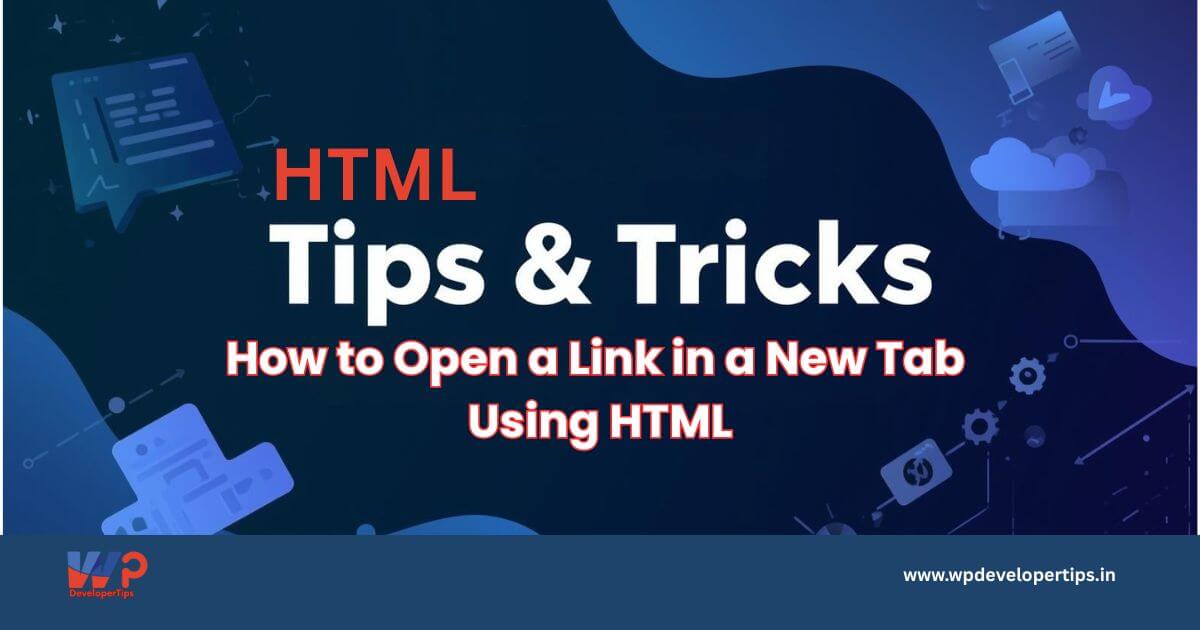
Opening links in a new browser tab is a common requirement in web development, especially for external websites, downloads, or reference links. HTML provides a simple and secure way to achieve this.
Basic Method: Open Link in a New Tab
To open a link in a new tab, use the target="_blank" attribute inside the anchor (<a>) tag.
<a href="https://wpdevelopertips.in" target="_blank">
  Visit WPDeveloperTips
</a>
The target="_blank" attribute instructs the browser to open the link in a new tab (or window based on browser settings).
Important Security Best Practice
When using target="_blank", always include the rel="noopener noreferrer" attribute.
Secure Version
<a href="https://wpdevelopertips.in" target="_blank" rel="noopener noreferrer">
  Visit WPDeveloperTips
</a>
This prevents security issues such as tabnabbing and improves overall website safety.
Opening External Links in a New Tab
A widely accepted best practice is:
- Internal links: open in the same tab
- External links: open in a new tab
<a href="https://google.com" target="_blank" rel="noopener noreferrer">
  Google
</a>
Opening Download Links
For downloadable files such as PDFs or documents:
<a href="brochure.pdf" target="_blank" rel="noopener noreferrer">
  Download Brochure
</a>
To force file download:
<a href="brochure.pdf" download>
  Download Brochure
</a>
Common Mistakes to Avoid
Missing rel Attribute
<a href="https://example.com" target="_blank">
  Link
</a>
This is not recommended due to potential security risks.
Using JavaScript Unnecessarily
<a onclick="window.open('https://example.com')">
  Link
</a>
JavaScript should not be used for simple link behavior as it affects accessibility and performance.
Accessibility Considerations
Always inform users when a link opens in a new tab, especially for screen reader users.
<a href="https://example.com" target="_blank" rel="noopener noreferrer">
  Visit Example (opens in new tab)
</a>
SEO Tip
- Opening links in new tabs does not negatively affect SEO
- Use new tabs only when it improves user experience
- Avoid forcing all links to open in new tabs
Quick Summary
| Task | Recommended Approach |
|---|---|
| Open link in new tab | target="_blank" |
| Improve security | rel="noopener noreferrer" |
| External links | Open in new tab |
| Internal links | Same tab |
| Accessibility | Inform users |