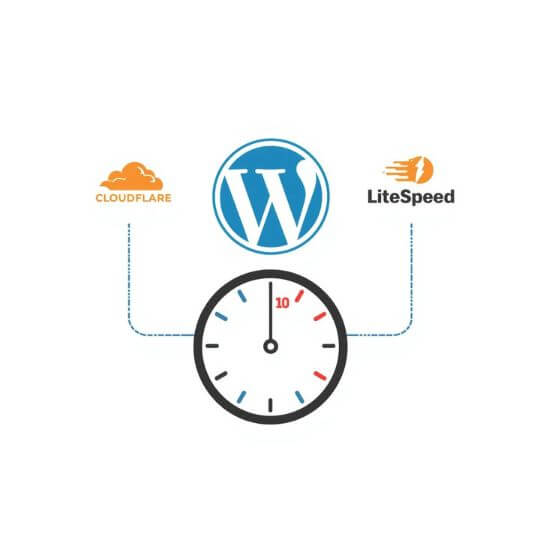
If your WordPress website is still slow even after image optimization and CDN setup, the real bottleneck is often your caching strategy. Many site owners hear terms like page cache
, object cache
, or Redis
— but very few understand what actually improves WordPress speed.
In this guide, we’ll clearly explain the difference between Object Cache vs Page Cache, how each works, when to use them, and which one delivers the biggest real-world performance gains.
What Is Caching in WordPress?
Caching means storing pre-processed data so WordPress does not need to execute PHP code and database queries on every page request.
- Reduces server processing time
- Lowers database load
- Improves page speed and TTFB
- Helps pass Core Web Vitals
Without caching, every visitor triggers full PHP execution and database queries — which is why uncached WordPress sites feel slow.
What Is Page Cache in WordPress?
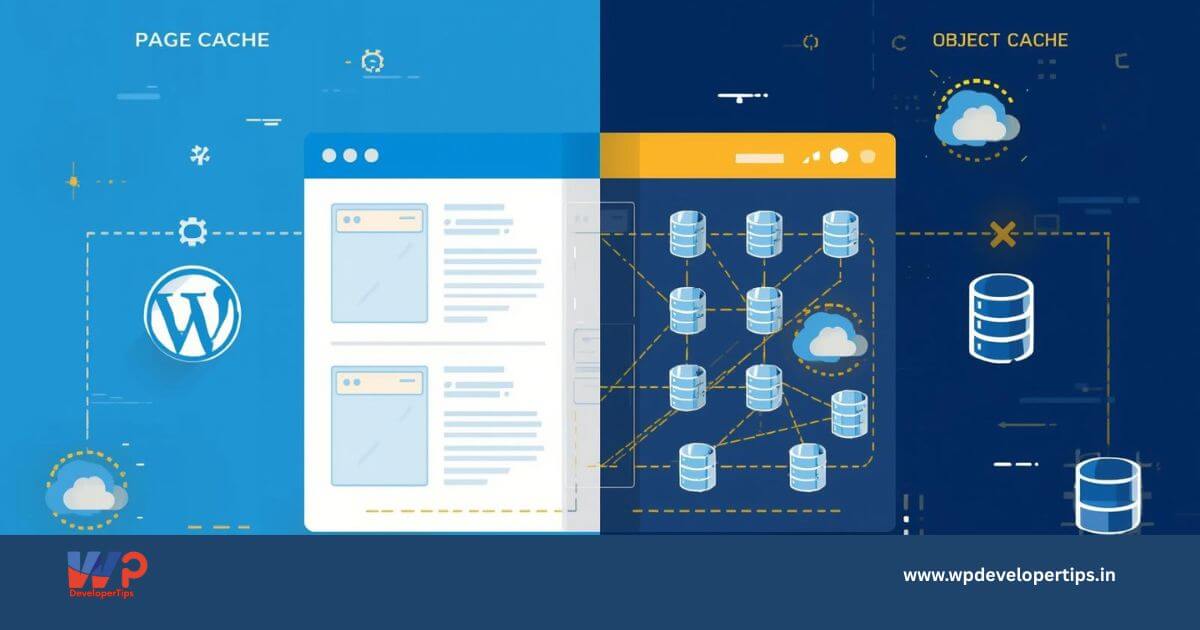
Page Cache stores the final HTML output of a page after WordPress finishes processing it. When a visitor requests the page again, the server delivers the cached HTML instantly.
How Page Cache Works
- User requests a page
- Server serves cached HTML
- No PHP execution
- No database queries
This is the fastest possible way to serve WordPress pages.
Benefits of Page Cache
- Massive speed improvement
- Drastically reduces TTFB
- Lower CPU and RAM usage
- Best for SEO and Core Web Vitals
- Ideal for blogs and content-heavy websites
In real-world scenarios, page cache alone can improve load times by 60–90%.
What Is Object Cache in WordPress?
Object Cache stores database query results and PHP objects in memory, usually using Redis or Memcached.
Instead of repeatedly querying MySQL, WordPress retrieves data directly from RAM.
Common Data Stored in Object Cache
- Database query results
- WordPress options
- Transients
- Menu data
- User sessions
Benefits of Object Cache
- Reduces database load
- Improves admin dashboard speed
- Essential for WooCommerce and membership sites
- Helps logged-in user performance
Object cache improves backend efficiency, but it does not replace page cache.
Object Cache vs Page Cache – Key Differences
| Feature | Page Cache | Object Cache | SEO Impact | Server Load | Best Use Case |
|---|---|---|---|---|---|
| What is cached | Full HTML pages | DB queries & objects | High | Very Low | Public pages |
| PHP execution | Bypassed | Still required | Medium | Medium | Dynamic data |
| TTFB improvement | Excellent | Moderate | High | Reduced | Logged-in users |
Which Cache Improves WordPress Speed the Most?
Page Cache – The Clear Winner
If your goal is faster page loads, better SEO, and lower TTFB, page cache provides the biggest performance boost.
Object Cache – A Supporting Role
Object cache becomes important for dynamic websites, WooCommerce stores, and admin-heavy environments.
When Should You Use Both?
For high-traffic or business-critical websites, the best setup is:
- Page Cache for public pages
- Object Cache for backend and dynamic data
- CDN for global delivery
This layered approach delivers maximum speed and scalability.
Real-World Performance Comparison
- No cache: TTFB above 1 second
- Page cache only: TTFB around 200–400ms
- Page + Object cache: TTFB as low as 150–300ms
Final Verdict
If you must choose one: Page Cache improves WordPress speed the most.
For serious performance: Use Page Cache + Object Cache
together for best results.
Understanding the difference between object cache and page cache helps you make smarter hosting decisions, improve SEO rankings, and deliver a faster user experience.