Introduction
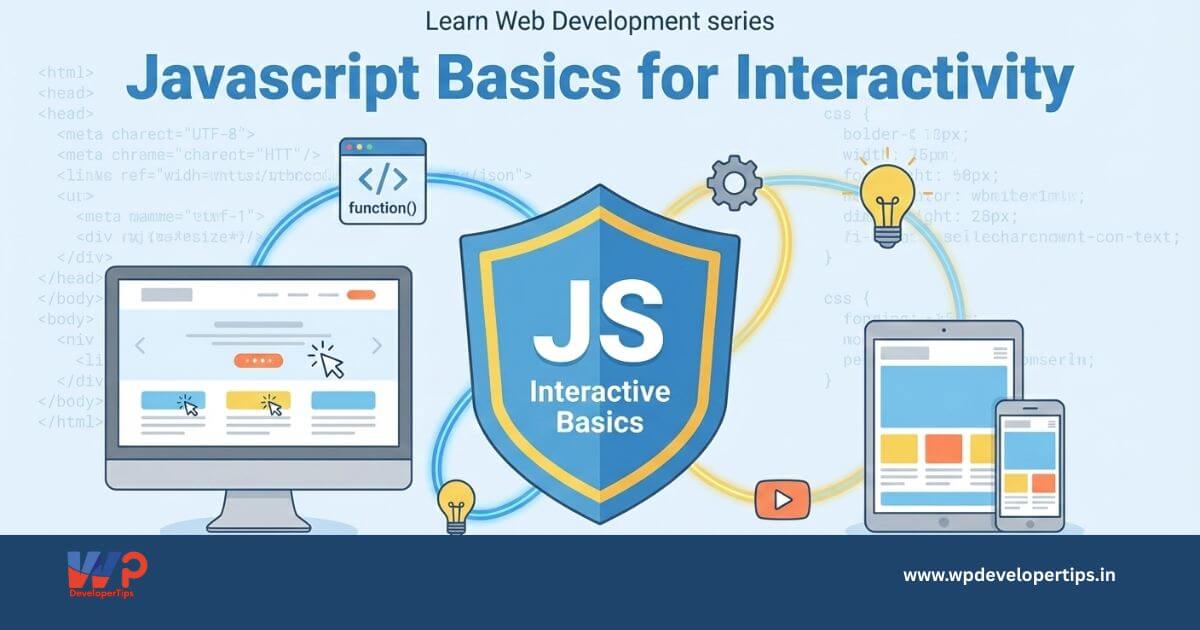
JavaScript is a powerful scripting language used to add interactivity and dynamic behavior to websites. It enables features like form validation, interactive maps, real-time updates, and more. In this article, you’ll learn the fundamentals of JavaScript to start building engaging user experiences.
What is JavaScript?
JavaScript is a client-side scripting language that runs in the user’s browser. It allows developers to manipulate HTML and CSS, respond to user events, and interact with web APIs.
Adding JavaScript to HTML
JavaScript can be added directly to HTML using the <script> tag:
<script>
    alert('Welcome to JavaScript!');
</script>
Or you can link an external file:
<script src="script.js"></script>JavaScript Syntax Basics
1. Variables
let name = "John";
const age = 25;
var city = "New York";
2. Data Types
- String
- Number
- Boolean
- Object
- Array
- Null / Undefined
3. Functions
function greet() {
    console.log("Hello, world!");
}
greet();
4. Events
document.getElementById("btn").onclick = function() {
    alert("Button clicked!");
};
5. DOM Manipulation
document.getElementById("title").innerText = "New Title";
document.querySelector(".box").style.backgroundColor = "blue";
Basic Example: Change Text on Button Click
<button onclick="changeText()">Click Me</button>
<p id="demo">Original Text</p>
<script>
function changeText() {
    document.getElementById("demo").innerText = "Text Changed!";
}
</script>
Conclusion
JavaScript adds life to your static HTML/CSS websites by enabling interactivity and dynamic content. Mastering JavaScript fundamentals is essential for modern web development. In the next article, we’ll cover jQuery: Simplifying JavaScript for Beginners.