Introduction
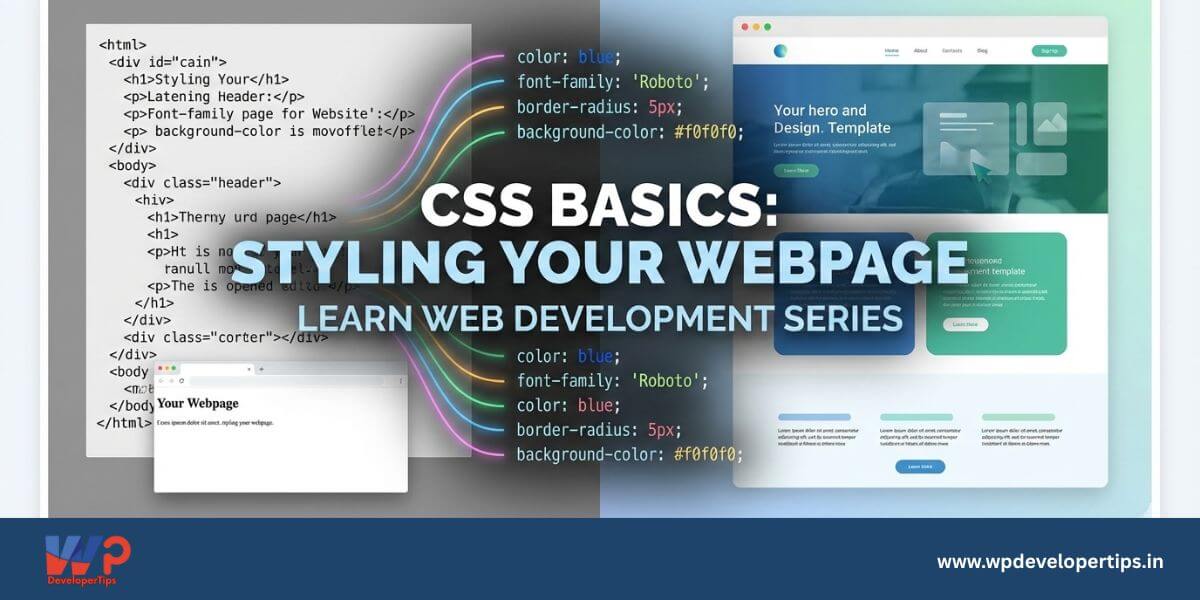
CSS (Cascading Style Sheets) is used to style and layout webpages. It allows you to control colors, fonts, spacing, positioning, and responsiveness of HTML elements. In this article, we’ll explore the fundamentals of CSS and how to apply styles to your webpage.
What is CSS?
CSS is a stylesheet language that defines the look and formatting of an HTML document. It enables you to separate content (HTML) from design, making your code more maintainable and flexible.
Ways to Apply CSS
There are three main ways to apply CSS to an HTML document:
1. Inline CSS
Defined within an HTML tag using the style attribute.
<p style="color: blue; font-size: 16px;">This is a styled paragraph.</p>2. Internal CSS
Written within the <style> tag inside the <head> of the HTML document.
<head>
<style>
body {
background-color: lightgray;
}
</style>
</head>
3. External CSS (Recommended)
Stored in a separate .css file and linked to the HTML document.
<link rel="stylesheet" href="styles.css">Example styles.css file:
body {
font-family: Arial, sans-serif;
color: #333;
background-color: #f4f4f4;
}
CSS Selectors
Selectors are used to target HTML elements and apply styles.
Element Selector
h1 {
color: red;
}
Class Selector
.special-text {
font-weight: bold;
}

<p class="special-text">This is bold text.</p>
ID Selector
#header {
background-color: blue;
}

<div id="header">Welcome</div>
CSS Properties
Here are some commonly used CSS properties:
Text Styling
p {
font-size: 18px;
color: navy;
text-align: center;
}
Background and Borders
div {
background-color: lightblue;
border: 2px solid black;
}
Box Model (Margin, Padding, Border)
div {
margin: 20px;
padding: 10px;
border: 1px solid #ddd;
}
Conclusion
CSS is a powerful tool for designing and styling webpages. By understanding selectors, properties, and different ways to apply CSS, you can create visually appealing websites. In the next article, we will explore CSS Layout and Positioning.