
Introduction
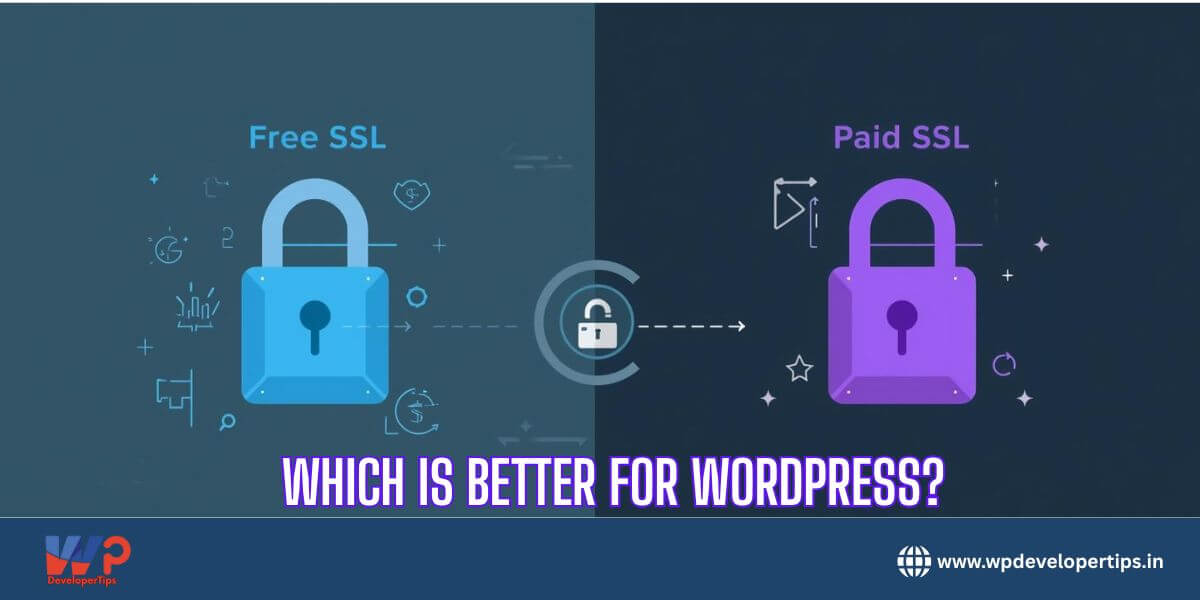
Security is one of the top priorities for any WordPress website. One of the most important tools to ensure security is an SSL (Secure Sockets Layer) certificate. But when it comes to SSL certificates, WordPress users often face a choice: Free SSL vs Paid SSL. Which one is better? This article will help you understand the differences, pros, cons, and which option suits your website best.
What is SSL and Why Do You Need It?
SSL (Secure Sockets Layer) encrypts data transferred between your website and its visitors, ensuring sensitive information like passwords, payment details, and personal data remain secure. Websites with SSL certificates use HTTPS, and Google favors these secure sites in search rankings.
Free SSL Certificates
Popular Providers: Let’s Encrypt, Cloudflare, ZeroSSL
Advantages:
- Cost-effective: Completely free of charge, making it ideal for small blogs or startups.
- Easy installation: Most hosting providers support automatic installation.
- Basic security: Provides standard encryption to keep your site secure.
Disadvantages:
- Limited validation: Only domain validation (DV) is provided, meaning it confirms domain ownership but not the business identity.
- Short lifespan: Usually valid for 90 days and needs regular renewal (though auto-renewal is possible).
- No warranty: Free SSL certificates don’t include warranties in case of data breaches.
Paid SSL Certificates
Popular Providers: DigiCert, Comodo (now Sectigo), GeoTrust
Advantages:
- Extended validation (EV): Provides a higher level of validation, including verifying business identity.
- Warranty protection: Offers compensation in case of security breaches.
- Trust signals: Shows organization name in the browser (green bar or padlock with company name).
- Longer validity: Validity can range from 1 to 2 years without frequent renewals.
Disadvantages:
- Cost: Can range from $10 to $200 per year, depending on validation type and provider.
- Complex setup: Some certificates may require manual installation and verification.
Free vs Paid SSL – Which Should You Choose?
| Feature | Free SSL | Paid SSL |
|---|---|---|
| Cost | $0 | $10–$200/year |
| Validation | Domain Validation (DV) | DV, OV, EV |
| Warranty | None | Yes, depending on provider |
| Trust Level | Basic | Higher, visible company verification |
| Setup | Easy, mostly auto | May require manual configuration |
Recommendation:
- Small blogs, personal sites, or portfolios: Free SSL is sufficient.
- E-commerce sites, business websites, or sites handling sensitive data: Paid SSL is recommended for added security, trust, and warranty protection.
Conclusion
Both free and paid SSL certificates ensure your WordPress website is encrypted and secure. The choice depends on your website’s purpose, traffic, and level of trust you want to establish with your audience. Free SSL is a great start, but paid SSL adds an extra layer of credibility and protection, especially for business-critical websites.









2 thoughts on “Free vs Paid SSL – Which Is Better for WordPress?”
Good explanation. I didn’t know free SSL doesn’t come with warranty. Nice breakdown.
This is a good article to share with non-technical clients who ask “Is free SSL enough?”